Lecterns for Schools
Podion has more than 30 years’ experience supplying innovative technical furniture to K–12 schools in Australia, USA and around the world.
Our range of lecterns is built to meet the needs of every school space, from classrooms and assembly halls to multipurpose areas, with mobile AV lecterns, digital podiums, multimedia lecterns, lectern desks and teaching workstations.
Across the range, you’ll find clean, contemporary styling, seamless AV integration, durable construction and ease of use. Features include electric height adjustment, wheelchair accessibility, casters, lockable storage, equipment shelves and pull-out work surfaces, with a range of AV accessories available to complete the setup.
Branding can be as subtle or as prominent as you like, with school logos, custom colors, wood finishes and integrated digital signage available.
Most lecterns are in stock for fast dispatch and arrive ready to use – no assembly required!
Lecterns Shipped Worldwide





Our Lecterns are Trusted Worldwide











Buyer's Guide to School Lecterns
With a wide range of lecterns available, this guide helps you narrow the choice by starting with the room you’re fitting out, recommending the lecterns that suit the space, then covering the key features and options worth considering.
Prefer to discuss your requirements directly? Contact our team on +61 (0)3 9708 6349 or email sales@podionglobal.com
Why use a lectern?
A quality, well-chosen lectern can be a practical long-term investment for schools, with benefits for both the speaker and the room.
For the speaker, a lectern can:
- Keep notes, devices and presentation materials organised
- Keep microphones and AV controls within easy reach
- Help maintain eye contact with the audience
- Provide a comfortable position for presenting
- Support a more confident presentation
For the room, it can:
- Create a clear focal point for the audience
- Integrate AV equipment into one organised presentation point
- Conceal cabling for a clean, professional appearance

Lecterns for School Assembly Halls & Auditorium
Start with an AV lectern
What is an AV lectern?
An AV (audio-visual) lectern, also called an AV podium, is a freestanding presentation station with varying levels of AV integration, including:
- XLR shock mounts for gooseneck microphones
- Reading lights
- Built-in power connections
- HDMI connectivity
- USB-C connectivity
- Ethernet/data connections
- Configurable AV connection panels
- Worktop monitors and touchscreens
Features to Consider
AV Setup and Connectivity
The right AV setup depends on what will be presented, what devices people will bring to the lectern, and how the lectern needs to connect with the AV already in your hall.
A simple setup may only require microphones, while presentations using slides, video or other media will need additional connections. You may also want power for a presenter’s device or a built-in display so they can see their content while facing the audience.
The table below shows how those requirements are covered across some of our AV lecterns.
| Lectern | What it gives you | Best suited to |
|---|---|---|
| POD-P | Dual XLR shock mounts for gooseneck microphones | Speech-led presentations where no device connection is needed at the lectern |
| POD-MIMI | Dual XLR shock mounts for gooseneck microphones | Speech-led presentations where no device connection is needed at the lectern |
| POD-X | Microphones, USB and power, with space for additional connections | Presenters using a laptop or device at the lectern who mainly need power and USB access |
| POD-4 | Microphones, HDMI, USB-C, Ethernet and power | Presenters connecting a laptop or other device to the hall AV for slides, video or other media |
| POD-4-TS | Same connectivity as the POD-4, plus a 22″ Full HD worktop display or touchscreen | Speakers who want to view slides or other media at the lectern, with touchscreen control available if required |
| POD-4-DS | Same setup as the POD-4-TS, plus a 24″ Full HD front display | Presentations where content is shown both to the speaker and on the front of the lectern for the audience |
Cable Management, Access and Ventilation
Also look at how cabling is managed inside the lectern and how easily installers can reach the AV equipment. Podion routes cables internally from the worktop through the lectern to floor level, keeping cords concealed and reducing loose leads around the presentation area.
For installation and servicing, removable logo panels, column covers and service panels provide direct access to the cabling and equipment inside, without having to dismantle the lectern.
If AV equipment is housed inside the lectern, ventilation is also worth considering. Selected models include ventilation to maintain airflow and help prevent heat build-up.
Worktop Size and Additional Workspace
Across the range, the width and depth of work surfaces vary, as does the amount of additional usable space available.
- The POD-MIMI comes with height-adjustable equipment shelves.
- The POD-4-TS has an optional expandable work surface.
- The POD-4-DS can be fitted with an optional slide-out laptop shelf.
- Some lecterns also have a cup holder mounted on the column, keeping drinks away from papers and electronics.
- For secure equipment storage, the flagship POD-CC-PLUS has a lockable 6RU AV cabinet built into the column, with adjustable equipment shelves.

Slide out shelf

Expandable worktop

Adjustable equipment shelf

Cup holder
Electric Height Adjustment
Lecterns that adjust in height allow younger students and adults to use the same lectern comfortably. On the POD-P, POD-X and POD-4, the lectern can be raised or lowered at the push of a button, bringing the work surface and microphones down for students and up for teachers. This removes the need for shorter students to use a step stool or platform to see over the lectern, reducing the risk of falls and injury.
Mobility
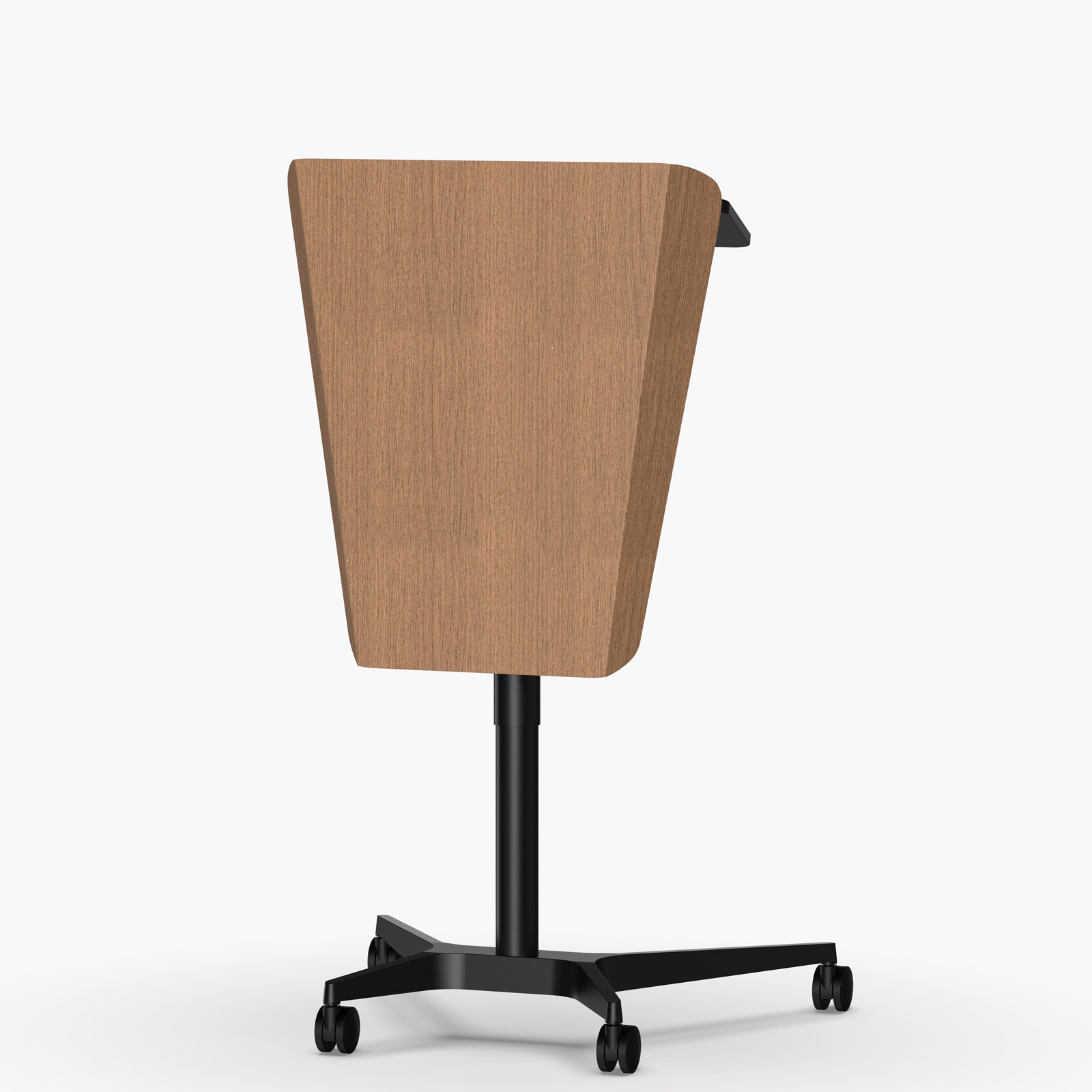
All Podion lecterns have either built-in rubber wheels or lockable castors, so they can be rolled on, off or around the stage as needed. For schools where the lectern is moved regularly, the POD-X is a standout for mobility – its lightweight 29 kg frame, slim curved column and built-in rubber wheels make it easy to tilt and roll into position, with the added versatility of being easily moved from the hall to an outdoor presentation area.
Stability
If you need a lectern for an uneven stage floor, consider a model such as the POD-P and POD-MIMI with adjustable leveling feet. Each foot can be screwed in or out to compensate for small differences in floor height, helping the lectern sit level and steady once it is in place.

Built-in wheels

Built-in wheels

Locking castors

Leveling feet
Digital Signage
Some AV lecterns come with a built-in HD display on the front, allowing schools to change what the audience sees throughout an assembly or event. For example, the display might begin with the school logo, change to the name of a student or guest speaker, then show an award graphic, photograph, video or event message as the program progresses.
If you would like a front display, consider screen size in relation to the room and viewing distance. Display sizes are measured diagonally:
| Lectern | Front display | Best suited to |
|---|---|---|
| POD-4-FS | 24″ HD display | Smaller assembly spaces, multipurpose rooms and settings where the audience is relatively close |
| POD-CC | 32″ HD display | Typical school halls and assembly spaces |
| POD-MIMI-FS | 32″ HD display | School halls and larger presentation spaces where the display needs to be visible across a wider audience |
| POD-CC-PLUS | 43″ HD display | Larger assembly halls and auditoriums where content needs to be seen from further back |
Some lecterns include additional branding space above the digital display. The upper logo panel can carry the school name or logo, or be finished with a timber-look vinyl wrap, while the screen below is used for changing digital content.
Consider a protective screen cover to protect the display from scratches and knocks when the lectern is not in use. The cover can also be branded with the school logo or graphics, so it doubles as a logo panel while the screen is covered.

24″ Full HD Display

32″ Full HD display & logo panel

43″ HD display & logo panel

Screen cover
Branding
Podion offers several logo panel configurations across the range. The main differences are whether the lectern has one branding area or two, and how much space each panel provides.
| Lectern | Logo panel configuration | What you might display |
|---|---|---|
| POD-4 | Single, smaller panel | School crest, logo or short school name |
| POD-P | Single, large panel | School name, larger crest or full-panel timber finish |
| POD-X | Dual panels, with a smaller lower panel | School name above with a crest, logo or house graphic below |
| POD-MIMI | Dual panels, with a larger lower panel | School name above with a larger crest, mascot or school graphic below |
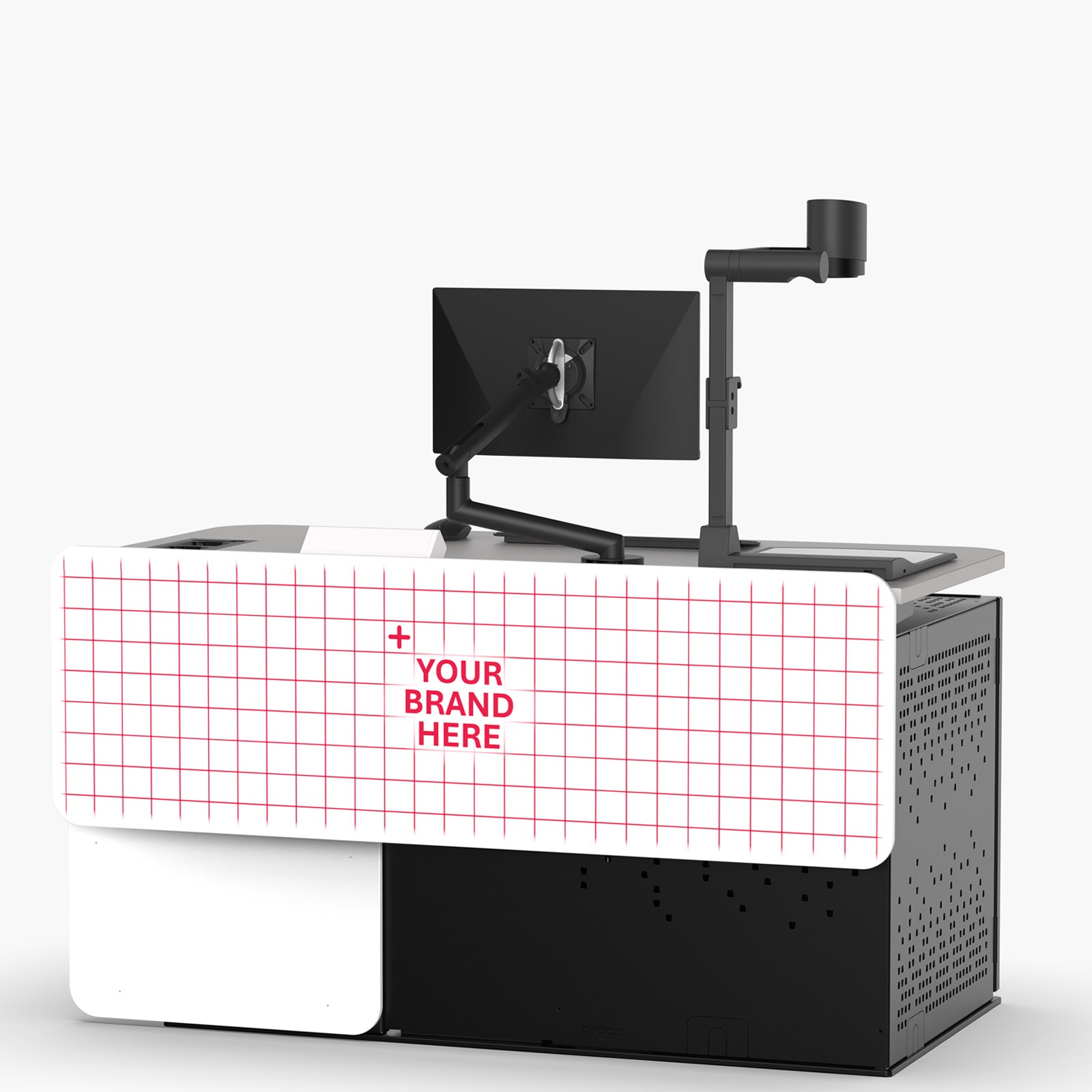
Branding can be applied in several ways. Vinyl decals or cut graphics work well when only part of the panel is being branded, while a full-panel vinyl wrap can cover a much larger area. If the branding may need to change, consider interchangeable magnetic signage, which allows the graphic to be removed or replaced without altering the lectern itself.
A Good Starting Point for School Assemblies & Auditoriums


AV Podium Lectern | POD-4
Height Adjustable | Portable

AV Podium Lectern | POD-MIMI
Portable | Leveling Feet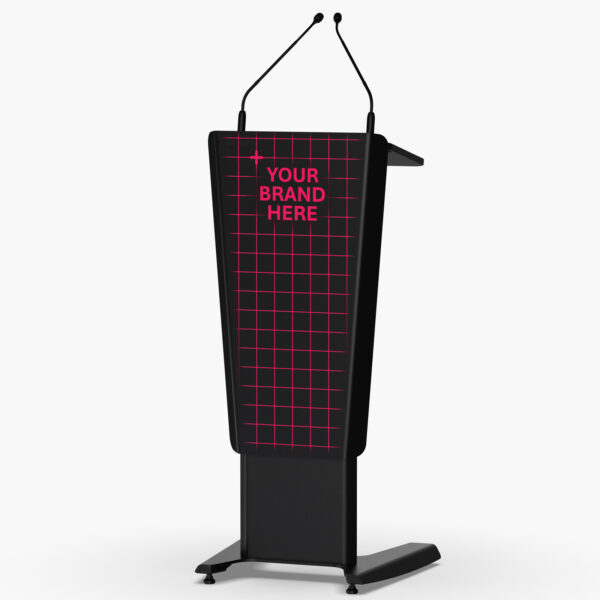

AV Podium Lectern | POD-P
Portable | Leveling Feet

Digital Podium Lectern | POD-MIMI-FS
Portable | Leveling FeetLecterns for School Classrooms
Start with a lectern desk if the teacher needs a larger work surface for a laptop, teaching materials and classroom technology.
Choose a touchdown point if the teacher needs a compact place to connect devices and access room technology, without taking up valuable teaching space at the front of the classroom.
For classrooms with more extensive AV requirements, a multimedia lectern may be a better fit.
A good starting point for school classrooms


Tilt-Top Lectern Desk | POD-MPS
Height Adjustable | Portable

Multimedia Workstation | TDP-EV
12RU | Configure as a Lectern or Wall-Positioned Desk

Multimedia Teacher Desk | TDP-WA
16RU | Wall-Positioned

Lectern Desk | POD-GL
Gas lift | PortableLecterns for Lecture Halls
Start with a multimedia lectern. These provide more work surface for integrated technology, along with space for monitors, controls and AV equipment within the lectern.
If the presentation setup is relatively straightforward, an AV lectern with an integrated worktop monitor may be all that is needed.
A good starting point for lecture halls


Multimedia Lectern | ORION-2
16RU | 1500 x 850mm Worktop

Multimedia Lectern | ORION-1
8RU | 950 x 850mm Worktop

Digital Podium Lectern | POD-CC-PLUS
6RU | Logo panel | Portable